Reservation kinds
Reservation kinds let you offer different types of reservations, for example Lunch, Dinner, or High Tea, each with their own rules. Head to the Backoffice and click Reservation kinds.
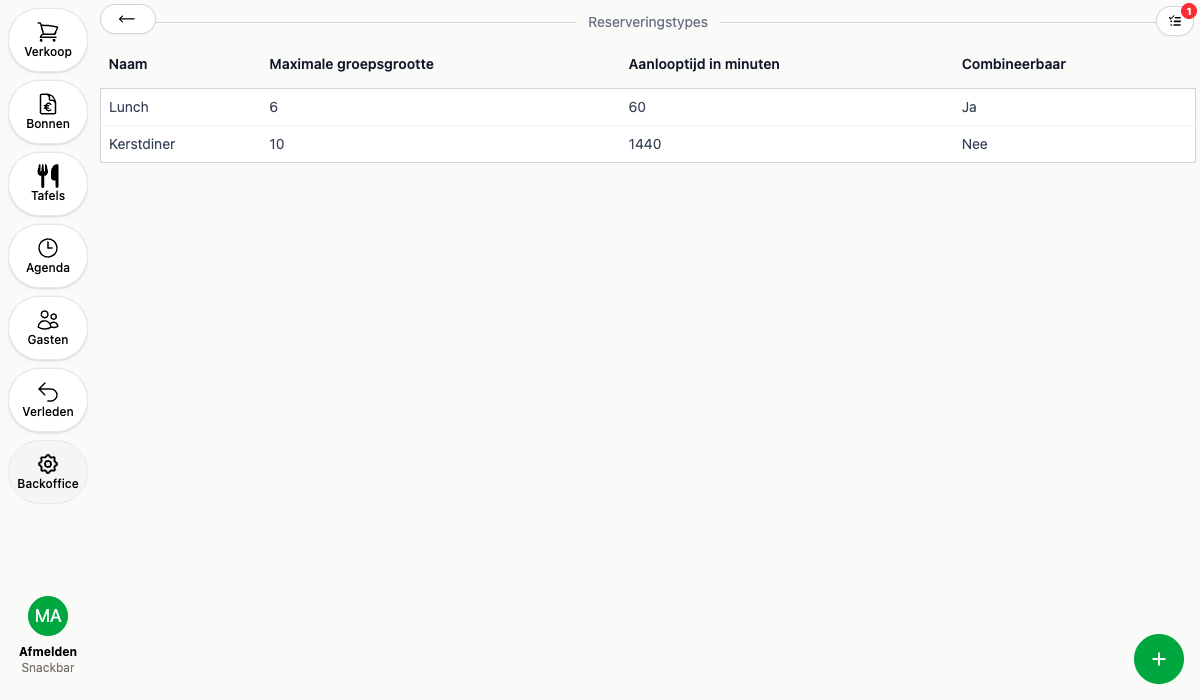
Creating a reservation kind
- Click the round + in the bottom right
- Enter a name and optionally upload an image, use a 4:3 ratio for the best result
- Optionally set Maximum party size and Lead time in minutes to override the general settings for this kind
- Check Combinable if this kind can be booked together with another reservation kind in the same booking
- Save
Link a reservation kind to a booking window to only offer it during that window, for example High Tea only on weekends between 2 and 4 PM.
A reservation kind with existing reservations can’t be deleted. Archive it instead: it stays visible on existing reservations but can no longer be chosen for new bookings.