Staff & Permissions

Run your team properly. Track who did what, control who can see what, and tie it all back to your scheduling, straight from the POS.

Personal logins

Each team member signs in with their own PIN or staff card

Permissions

Decide exactly what each role can and can't do in 20Tabs

Audit trail

Every sale and edit is logged against the person who made it

Off-board cleanly

Revoke a leaver's access in seconds on the day they finish

Demo
Staff

Your team, set up properly

Manage every staff account in one place. No spreadsheets, no shared passwords.

Quick switch users

Swap between staff members in a single tap, no awkward logout dance

Auto logout

An idle terminal logs out on its own, so no orders get rung up under the wrong name

Compliant by default

Built to meet hospitality and payroll requirements out of the box

Roles

Decide who can do what

Set up roles and assign them to your staff. Tick what belongs to a job and a new hire can't void a bill on their first night.

A role per job

Server, manager, weekend staff. As many roles as your place needs

Permissions you tick

Apply discounts, handle returns, void bills, open the cash drawer and more

See who has the role

Every role lists the people on it, so you know who a change affects before you make it

Read the roles guide
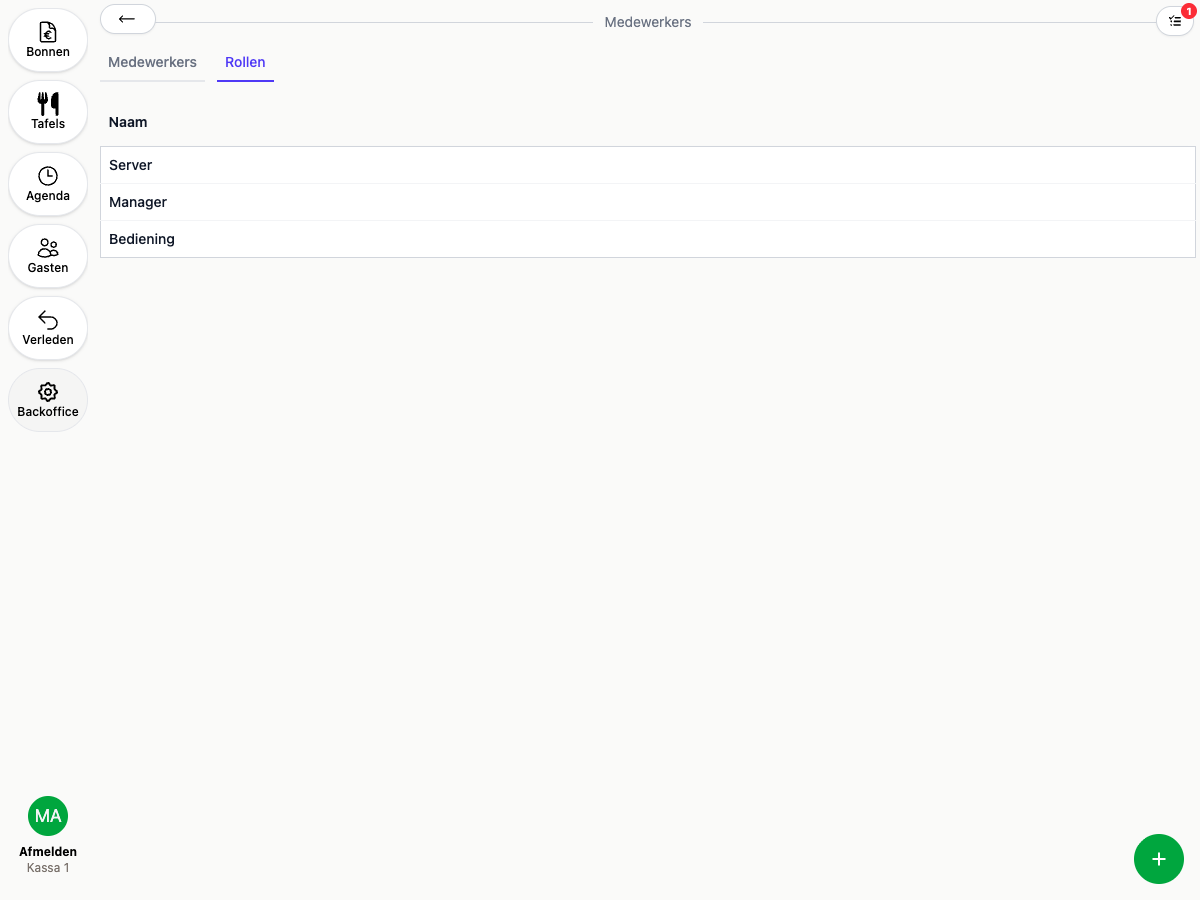
The Roles tab in the 20Tabs backoffice
Demo
Ready to get started?

are a great day to get started with 20Tabs

Every feature is unlocked from day one. No contracts to sign, no haggling, no sales calls. Just software that works and that you can set up yourself. Curious how quickly we reply? Hit the chat button in the corner and see for yourself.

Try it free

Spin up a full account in minutes, with every feature unlocked.

Up and running in an hour

Process your first order within the hour. Our quick-start guide walks you through every step.

Try for free