
Seating duration
Larger groups tend to sit longer. Duration rules control how long a table is held for a reservation, based on party size. Go to Backoffice > Reservations > Duration rules to set the seating duration by party size.
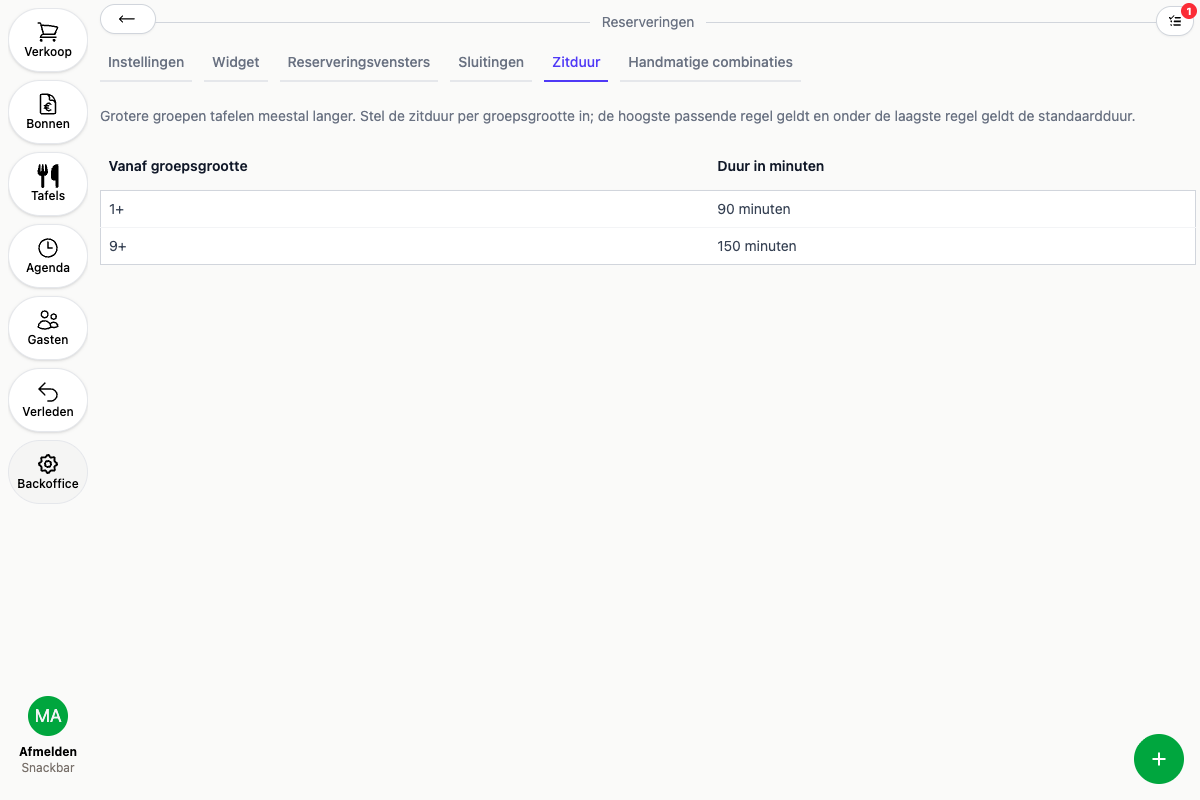
- Click the round + in the bottom right
- Enter the party size the rule starts from and the duration that goes with it, for example 90 minutes from 1 guest and 150 minutes from 9 guests
- Save
The highest matching rule applies. Below the lowest rule, the default duration from the general settings applies.
Want an exception for one specific booking window? Set the duration on that window itself instead, see Booking windows. That duration takes priority over the general duration rules above.