
The online booking widget
The booking widget lets guests reserve a table straight from your own website. Go to Backoffice > Reservations > Widget to configure and share it.
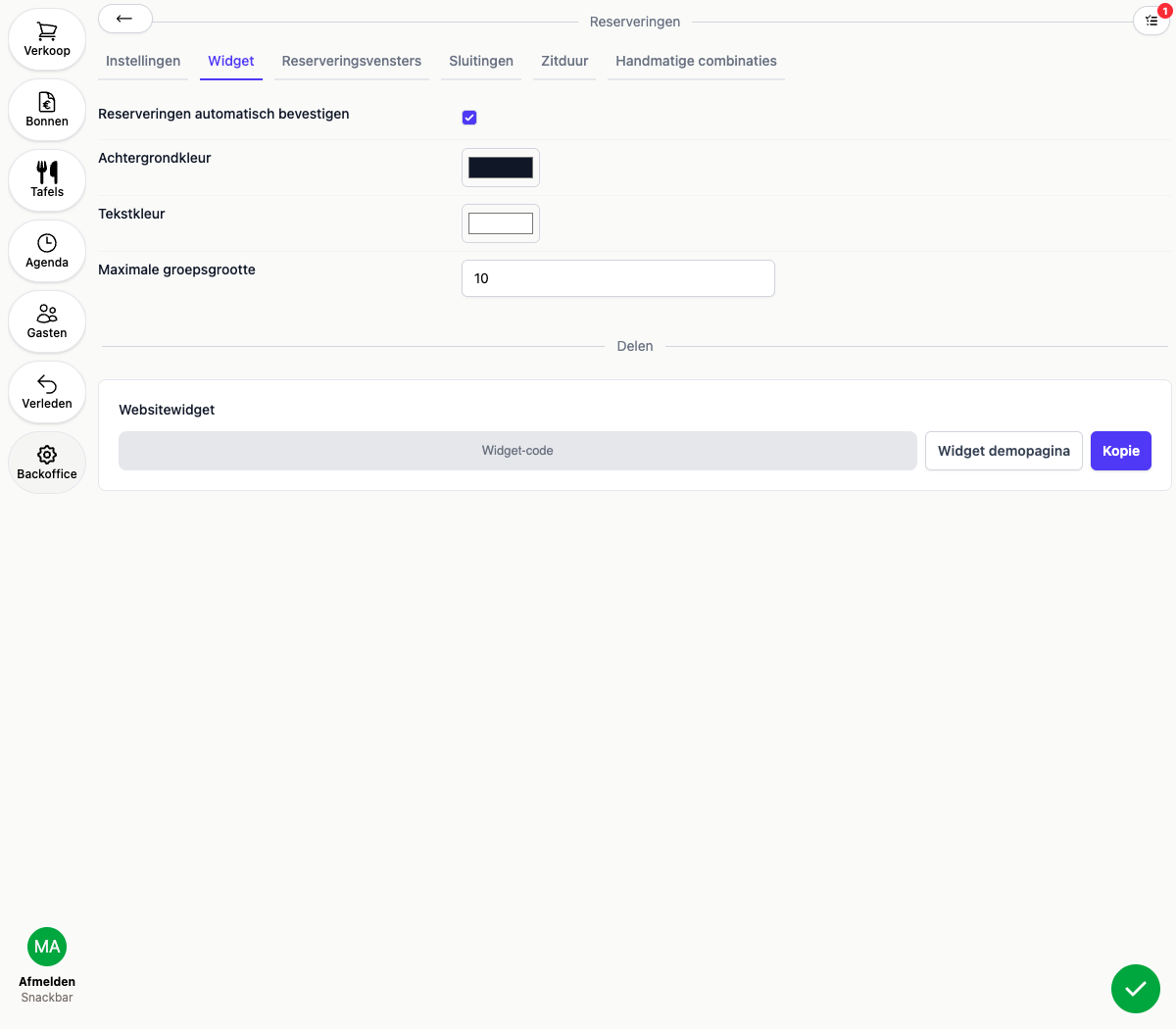
Settings
- Automatically confirm reservations: confirms a booking immediately once a guest reserves. If this is off, a reservation comes in as “requested” instead of confirmed, see below
- Colors (background and text): the two colors of the widget, use this to match your website’s branding
- Maximum party size: the largest number of guests a guest can book online themselves. Have larger groups call in instead
Approving reservations
If Automatically confirm reservations is off, every online reservation comes in with status “Requested” and a task appears to confirm or decline it. This keeps you in control of who can book online, for example if you only have a limited number of tables or a private dining room.
Sharing the widget
Under Share you’ll find:
- Website widget: a snippet of code you paste into your own website’s HTML, for example right before
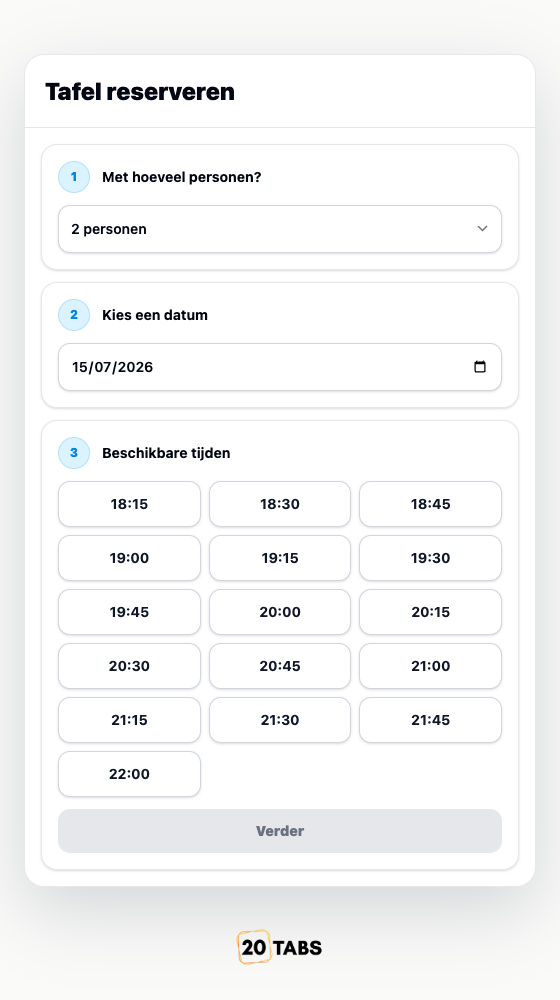
</body>. The widget then shows up as a button in the bottom-right corner of your site - Widget demo page: a standalone page where you can try the widget the way a guest sees it, handy for testing before you add the code to your own website
Click Copy to copy the widget code to your clipboard.