
Revenue categories
Products and payment methods can be tagged with a revenue category, so each one shows up in the right line on your reports.
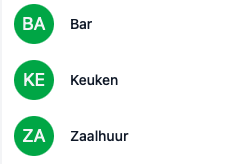
How to structure them
There’s no wrong way. Pick whatever fits how you think about the business:
- Broad: stick to high-level categories like “Food” and “Drinks”
- Granular: break it down into “Soft drinks”, “Beer” or “Craft beer” if you want sharper insights in your reports
Tagging a product with a revenue category
- Go to Backoffice → Products
- Open the product
- In the Revenue category field, pick the right one
- Save with the green tick
Take care to pick the right revenue category for each product. The accuracy of your reports depends on it.