
Daily stock management
If you’ve only got so much of a dish to go round, 20Tabs makes it easy to keep on top of it. The order screen shows how many portions are left, blocks further sales the moment you run out, and marks the item as sold out. The count resets automatically the next day.
Setting today’s stock
To set or adjust stock for a product:
- Press and hold the product button, or
- Right-click it
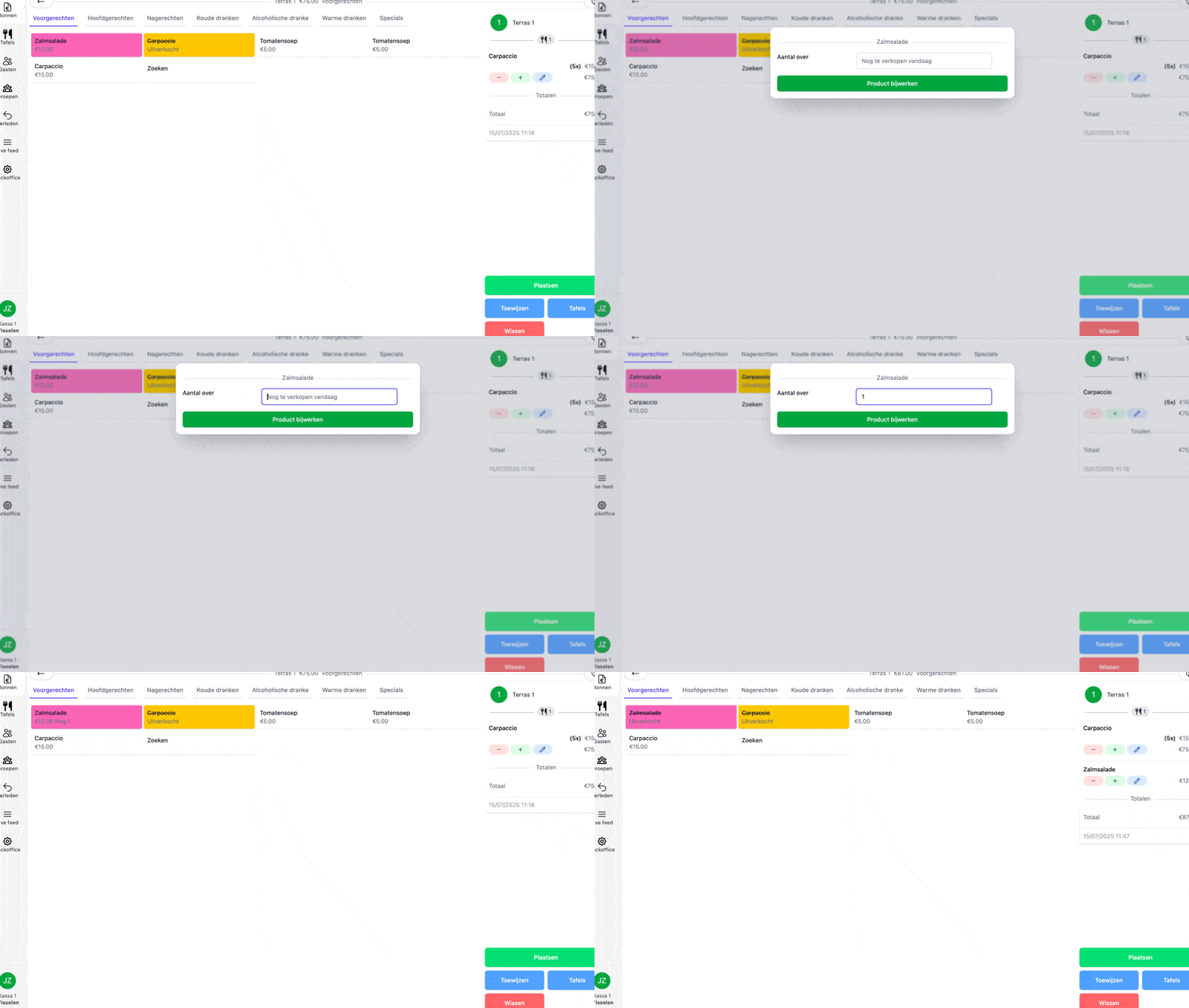
A panel pops up where you enter the number of portions you’ve got left. From that point on, every sale knocks one off the counter. The moment it hits zero, the product is flagged as sold out.
Putting a sold-out item back on
Found another tray in the back of the fridge? Repeat the steps above to add the extra portions back to the count.