
Managing and using devices
With 20Tabs you choose how many devices you want and manage them yourself from the Backoffice.
Adding a device
- Open the Backoffice
- Go to Devices
- Tap the plus icon in the bottom right to add a new device
- Pick the device type you want and save
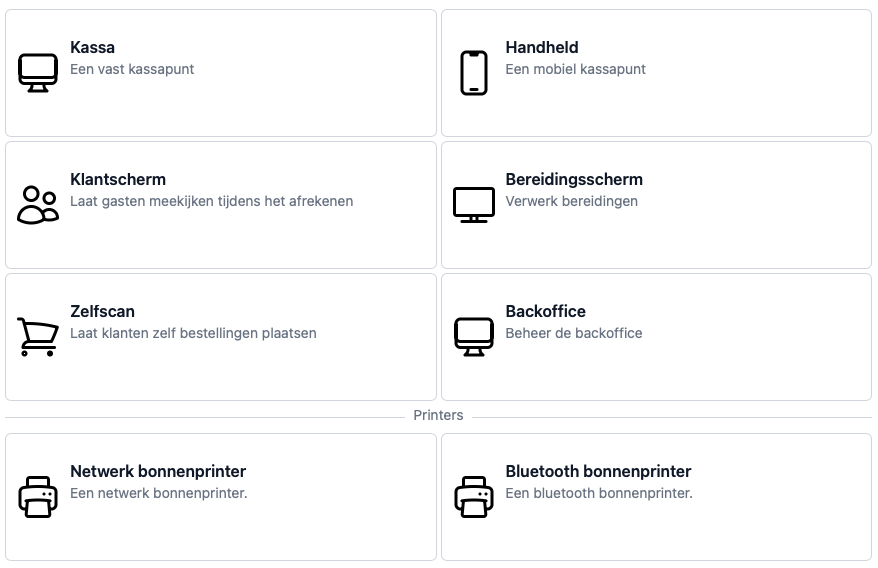
Picking a device to use
Once you’ve set up a device type, you can switch to it by:
- Going to Devices in the Backoffice
- Choosing the device you want from the list
- After logging in, you’ll be asked which device this is

Haven’t entered a pairing code yet? See Linking devices with your pairing code.